How to Check Vape Battery Life
In the world of vaping, ensuring your device performs at its best requires more than just good e-liquid or quality coils. One of the most overlooked but essential aspects is understanding how to do a proper vape battery check. Whether you’re using a pod system, a box mod, or a disposable device, knowing how to monitor battery life can improve your vaping experience and keep you safe.
Vape battery issues can result in weak hits, burnt coils, or sudden device failure. Worse still, improper battery care can lead to overheating or accidents. That’s why learning to check your vape battery life isn’t just a matter of convenience—it’s essential maintenance. In this article, we’ll explore how you can effectively monitor and manage your vape battery, how to interpret the signs of a dying battery, and how to extend its lifespan with smart habits.
Understanding Vape Battery Basics
Before you can perform a vape battery check, it’s important to understand the different types of batteries used in vape devices. Most modern vapes use lithium-ion batteries, either built-in or replaceable. These batteries are popular due to their high energy density and rechargeability. Built-in batteries are commonly found in compact pod systems, while replaceable 18650 or 21700 batteries are often used in advanced box mods.
Each battery type has a limited number of charge cycles. A cycle is one full charge and discharge, and most vape batteries offer around 300 to 500 cycles. After that, you’ll notice a decrease in performance, such as reduced charge retention or weaker output. This degradation is natural, but how you manage your battery use will determine how long it lasts.
Ways to Check Vape Battery Life
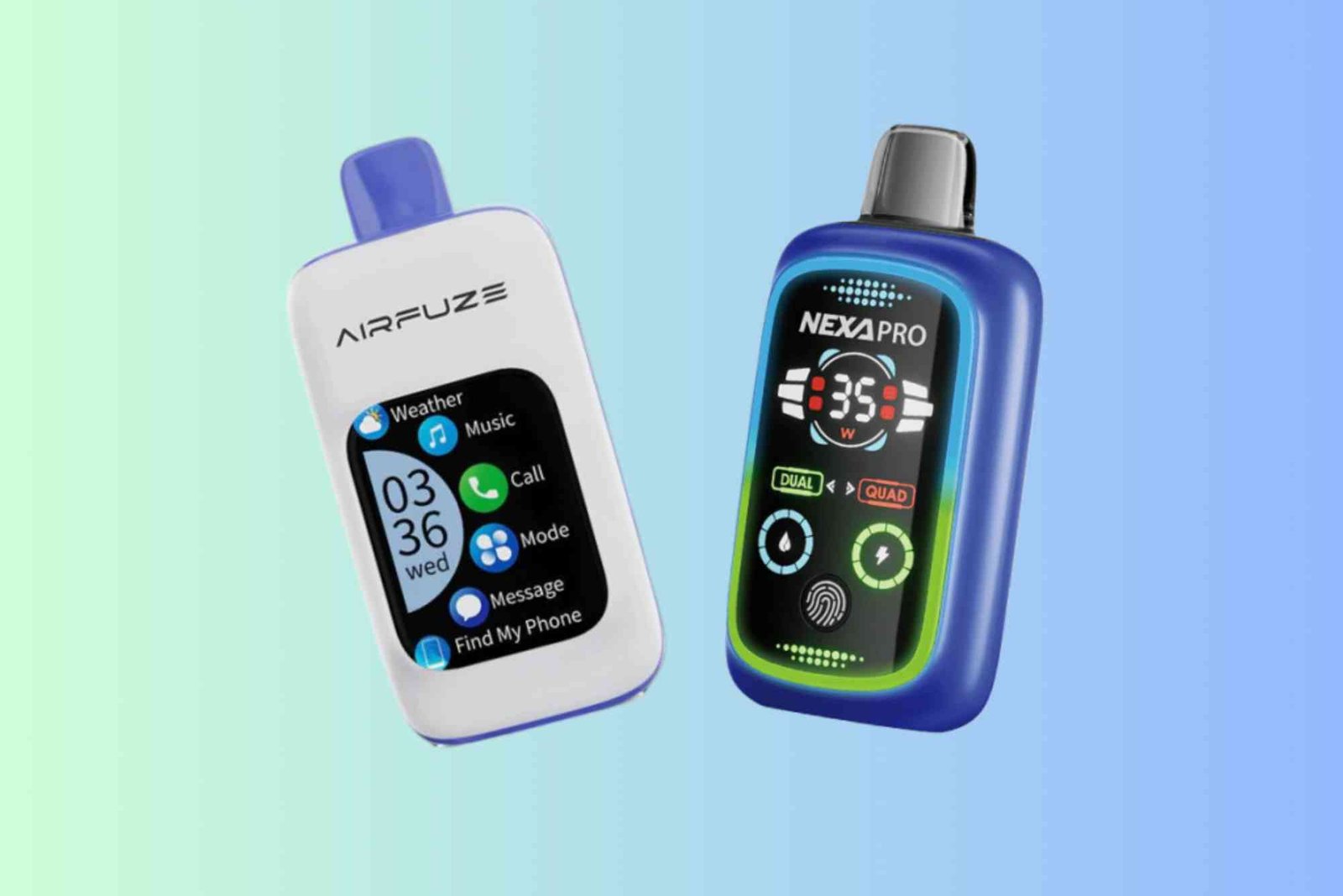
There are multiple ways to perform a vape battery check, and the method often depends on the type of device you’re using. For devices with built-in screens, battery level is usually displayed on the interface. You might see a battery icon similar to what you see on smartphones. Keep an eye on this icon, as it gives a real-time reading of how much charge remains.
Some devices use colored LED lights to indicate battery life. A green light may signify a full battery, blue for medium, and red for low. These indicators vary by brand and model, so it’s important to read your device manual to understand what the lights mean.

If you’re using an external battery, you’ll need a separate charger with a display or a multimeter to check its voltage. Healthy 18650 batteries typically rest at around 3.7 volts and charge up to 4.2 volts. If your battery falls significantly below 3.0 volts and fails to recharge properly, it may be time to replace it.
Another method of checking vape battery life is noticing performance decline. If your device is hitting softer than usual, taking longer to ramp up, or not producing enough vapor, these may be signs that the battery is weakening. A device that cuts off during use or takes longer to charge is also telling you something’s wrong.
Best Practices to Extend Battery Lifespan
Maintaining good battery habits can extend the life of your vape and keep you safe. Always charge your vape using the manufacturer-recommended cable or charger. Avoid using phone chargers or off-brand adapters, as these can overheat your battery or damage the internal chip.
Avoid overcharging your device. Leaving your vape plugged in overnight can slowly degrade the battery. Many modern devices include auto shut-off features, but it’s still better to unplug them once fully charged.
Also, avoid fully draining the battery. Lithium-ion batteries perform best when they stay between 20% and 80%. Recharging before the battery hits zero helps preserve its capacity. Similarly, try not to charge it to 100% all the time. Partial charges are better for long-term health.
Temperature matters, too. Batteries perform poorly in extreme cold or heat. Avoid leaving your vape in a hot car or direct sunlight. Store it in a cool, dry place when not in use.
Safety Tips During a Vape Battery Check
Performing a vape battery check isn’t just about seeing how much charge is left. It’s also an opportunity to inspect the battery’s physical condition. Swollen batteries, rust on terminals, or any sign of leakage are all red flags. If you notice any of these, stop using the battery immediately and dispose of it properly.
Do not carry spare batteries loosely in your pocket. They can come into contact with metal objects like keys or coins, which may cause a short circuit. Use a battery case if you’re transporting extra cells.
It’s also wise to check your charging port for dust or lint, especially if you use a USB-C or micro-USB cable. Foreign particles can interfere with the connection, leading to overheating or inconsistent charging.
When to Replace a Vape Battery
Knowing when to replace a battery is part of mastering the vape battery check routine. Over time, even the best-maintained batteries wear out. Signs that your battery may be near the end of its life include taking longer to charge, holding less power, frequent auto shut-offs, or the device becoming unusually hot during use.
For built-in batteries, if these signs appear after around 300 charge cycles, it’s a sign the internal battery is aging. Some devices allow battery replacements, but for many, you’ll need to replace the entire vape.
With external batteries like the 18650, testing voltage regularly with a multimeter can help you track health. A reading below 3.0 volts, especially if the battery won’t charge or drains too quickly, means it’s time for a new one.
Troubleshooting Common Battery Issues
If your vape battery seems to die too quickly or charges inconsistently, a few basic steps can help troubleshoot. First, check the charging cable and port. Sometimes the problem lies not with the battery but the charger.
Next, clean the connection points between the battery and device. Dirt or e-liquid residue can interfere with the current. A cotton swab and a bit of isopropyl alcohol can safely clean these contact points.
Reset your device if it has software settings. Some box mods allow firmware updates that can fix battery issues. Lastly, try using the battery in another compatible device. If it performs better elsewhere, the issue could be with your vape mod or pod, not the battery itself.
Mastering the Vape Battery Check
Learning how to check your vape battery life is more than a maintenance task—it’s a crucial part of your overall vaping experience. A weak or failing battery can ruin even the best device, leading to poor vapor production, inconsistent hits, and safety hazards.
By regularly checking battery indicators, observing performance changes, and applying smart charging habits, you can maximize your battery’s performance and lifespan. Whether you’re a beginner or an experienced vaper, this simple routine will save you time, money, and frustration.
If you’ve never done a vape battery check before, start today. Examine your device, understand your battery’s signals, and build a habit of proactive maintenance. A little attention goes a long way in vaping satisfaction.
Take a moment today to check your vape battery. Use the indicators we discussed, clean your ports, and review your charging habits. Want more helpful vaping guides like this? Subscribe to our newsletter or explore more expert tips on battery safety and performance.
FAQ:
How do I know when my vape battery is low?
Most devices will show a visual indicator such as a red LED light or a battery icon on the screen. If the vapor weakens or the device shuts off, it’s likely time to recharge.
Why is my vape battery dying so fast?
Fast battery drain could be due to overcharging, using the wrong charger, extreme temperatures, or the natural aging of the battery. Check your usage patterns and try recharging earlier.
Can I overcharge my vape battery?
Yes, overcharging can shorten battery life and even cause safety issues. Always unplug your vape once it’s fully charged and avoid leaving it plugged in overnight.
How do I test my vape battery with a multimeter?
Set the multimeter to DC voltage, place the positive (red) probe on the battery’s positive terminal, and the negative (black) on the negative end. A healthy 18650 battery should read between 3.7 and 4.2 volts when charged.
Is it safe to use my vape while it’s charging?
It depends on the device. Some allow pass-through charging, while others warn against it. Always follow the manufacturer’s recommendations to avoid overheating or internal damage.